8 Free AI Tools for YouTube Creators India 2026 (Honest Review)
An honest review of 8 free AI tools for YouTube creators in India 2026 — what each does, what is free vs paid, and the real limitation of every single one.
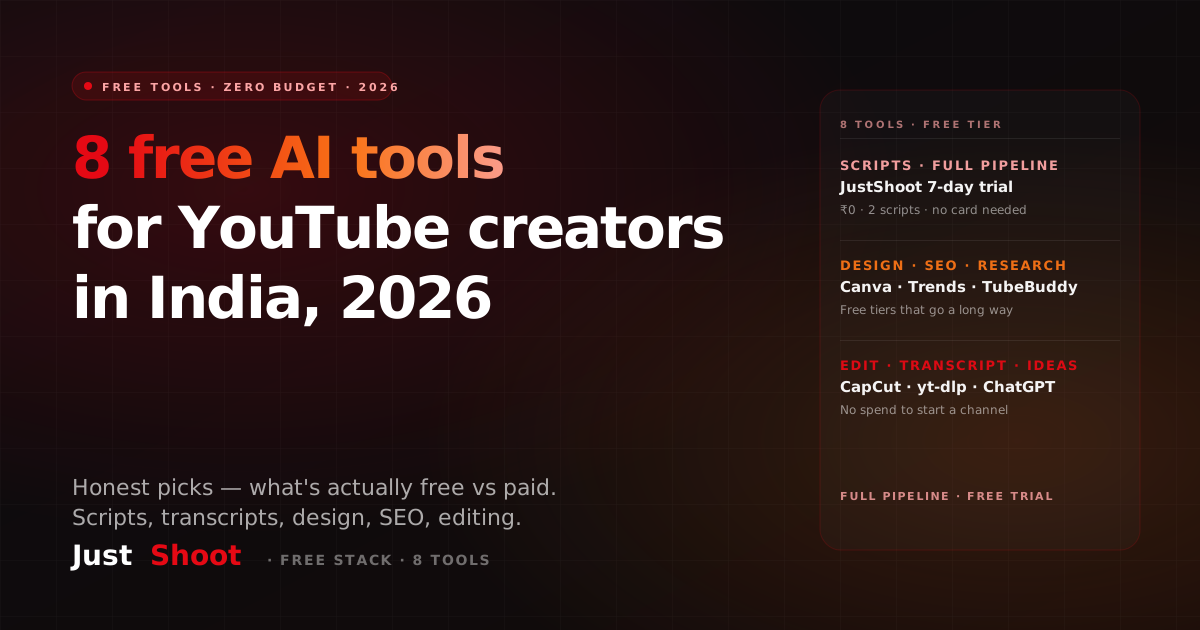
Every second YouTube video right now is titled "10 FREE AI tools that will 10x your channel!!" and 8 of them are either not free, not useful, or not real. I got tired of it. So here's a list I'd actually give a friend starting a channel in India — 8 tools, what each one does, what's genuinely free versus paid, and the honest limitation of every single one. Because the limitation is the part that saves you time. One more free thing worth doing before you trust any of them with a script: paste the output into the AI Script Robot-Score and see how much of it still reads as machine-written. It runs in the browser and costs nothing, which is the honest test for a free-tools list.
1. JustShoot (Free 7-Day Trial)
What it does: Full YouTube script pipeline — topic research, a deep research brief, fact-check, a script written in your own voice, SEO metadata, and shorts. Built specifically for Indian creators, with native Hinglish, Hindi, and 9 other Indian languages.
Free vs paid: 7-day free trial, 2 full scripts, no card needed. Paid plans after that: Starter at ₹499/mo (3 scripts), Creator at ₹999/mo (7 scripts, most popular), the 8-script plan at ₹1999/mo, and Studio (custom volume for agencies). All GST-inclusive, monthly, no rollover — every plan gets the full pipeline; only the script count changes.
Honest limitation: It's the only tool here doing the whole pipeline, so it's the most opinionated. It's built for scripts and packaging, not video editing — you still edit elsewhere. But nothing else on this list learns your voice via a Tone Fingerprint and writes research-backed scripts that sound like you.
2. ChatGPT (Free Tier)
What it does: General brainstorming, title ideas, rough outlines, rewriting a sentence you're stuck on.
Free vs paid: Free tier is genuinely usable for text. The paid tier adds better models and higher limits.
Honest limitation: It does not know your voice. Ask it for a script and you get competent, generic copy that sounds like a corporate blog — same tone as everyone else using the same prompt. Great for a quick brainstorm, weak for a script your audience will recognise as yours. You'll spend more time rewriting it into your voice than it saved you.
3. yt-dlp (Free Transcript Extraction)
What it does: Downloads videos and, more usefully, pulls transcripts and subtitles from YouTube videos — great for studying competitors or repurposing your own back catalogue.
Free vs paid: Completely free and open-source. No account needed.
Honest limitation: It's a command-line tool. If the words "terminal" and "pip install" make you nervous, this has a real learning curve. There's no friendly interface — you type commands. Powerful, but not beginner-friendly.
4. Canva (Free)
What it does: Thumbnails, channel banners, end screens, and social graphics with drag-and-drop templates.
Free vs paid: The free plan covers thumbnails comfortably. Canva's paid tier adds the background remover, premium stock, and brand kit.
Honest limitation: The best backgrounds, fonts, and the one-click background remover are locked behind paid plans. On the free plan you'll hit "upgrade to use this" walls often, and the free templates are used by thousands of others — so your thumbnails can look generic unless you customise heavily.
5. Google Trends (Free Keyword Research)
What it does: Shows you what people are searching, whether interest is rising or falling, and regional breakdowns — you can literally filter to India.
Free vs paid: 100% free, no paid tier. A Google account is enough.
Honest limitation: It shows relative interest, not actual search volume numbers. You can see that "SIP" is trending up versus "FD," but not how many searches that is. It's a direction-finder, not a precise volume tool — pair it with something else for hard numbers.
6. TubeBuddy (Free)
What it does: Browser extension for tag suggestions, keyword scores, and basic SEO help right inside YouTube Studio.
Free vs paid: Free tier gives you basic tag and keyword tools.
Honest limitation: The free plan is deliberately limited — the good stuff (detailed keyword scores, A/B testing thumbnails, bulk tools) sits behind paid tiers. You'll get value early, then quickly feel the ceiling as your channel grows.
7. VidIQ (Free)
What it does: Competitor research, trending video alerts, and a daily ideas feed to fight the blank-page problem.
Free vs paid: Free tier gives you basic scores and a limited number of daily ideas.
Honest limitation: Same story as TubeBuddy — the free version teases you. Deeper competitor data and the AI features are gated behind paid plans, and the free daily-idea limit runs out fast when you're actually planning content.
8. CapCut (Free)
What it does: Video editing on mobile and desktop — captions, transitions, auto-subtitles, and trending templates for shorts.
Free vs paid: The free version is genuinely powerful for a free editor, especially for shorts and reels.
Honest limitation: Some premium effects, sounds, and export options are paid, and the auto-caption accuracy on heavy Hinglish or regional languages is hit-or-miss — you'll fix captions manually.
The Honest Bottom Line
Here's the pattern you probably noticed: most "free" creator tools are free samples designed to push you to paid, and the truly free ones (yt-dlp, Google Trends) each do exactly one thing and need some skill. Nothing on this list except one tool covers the full pipeline — research to script to SEO to shorts — and none of the general AI tools know your voice.
That's the honest case for starting with JustShoot's 7-day free trial: it's the only tool here that does the whole pipeline free, with no card required, and writes in your voice via Tone Fingerprint instead of spitting out generic copy you'll have to rewrite. Use ChatGPT to brainstorm, Canva for thumbnails, Google Trends for direction, CapCut to edit — and let JustShoot handle the part that actually decides whether your video gets watched: the script.
Start free at justshoot.ai — 2 full scripts, no card, and see your first script written in your own voice today.
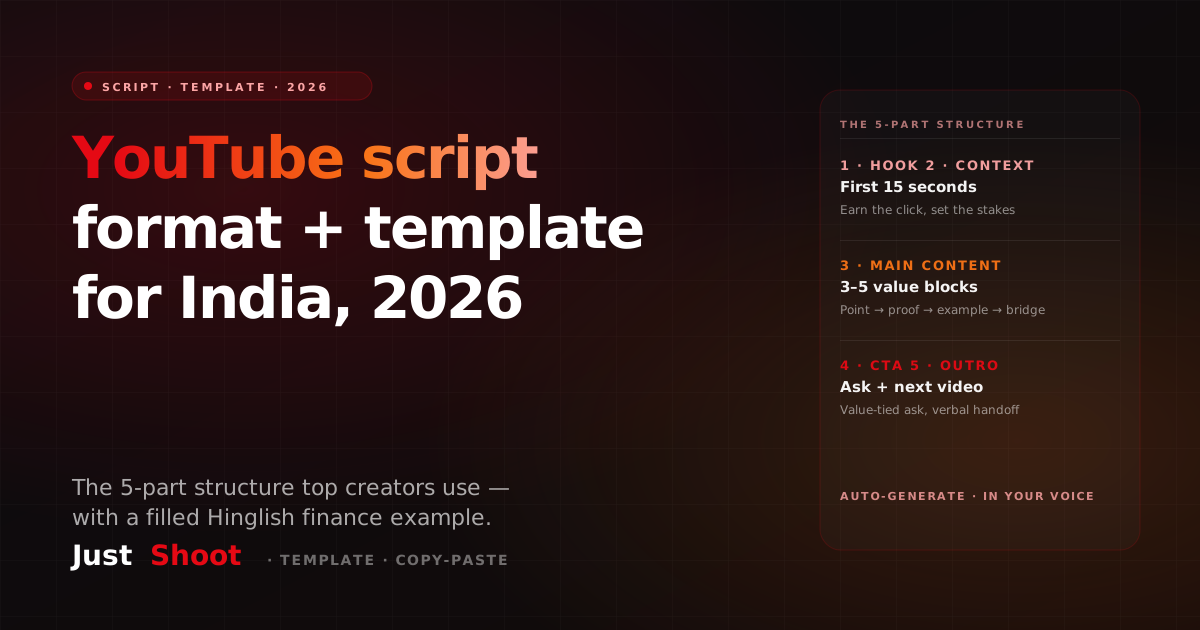
YouTube Video Script Format & Template India 2026 (Copy-Paste Ready)
The exact 5-part YouTube script format Indian creators use in 2026, plus a filled Hinglish SIP example and a copy-paste blank template you can use today.
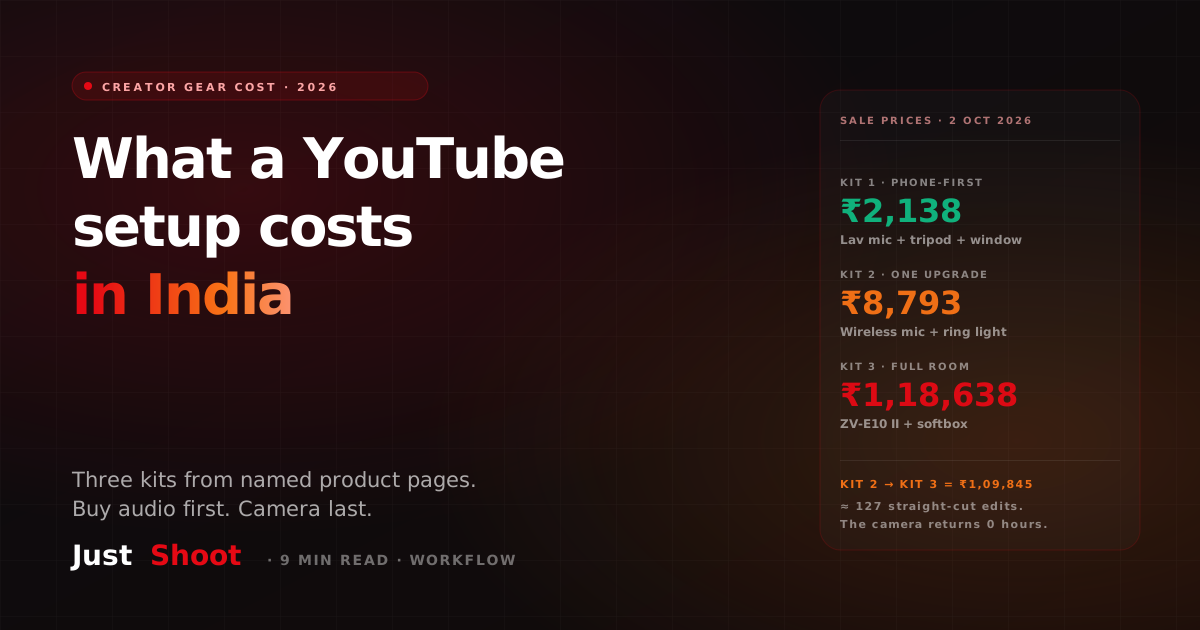
What It Costs to Kit Out a YouTube Setup in India (2026)
Three YouTube starter kits with rupee totals — ₹2,138, ₹8,793 and ₹1,18,638 — from named Indian product pages captured 2 October 2026, and what not to buy first.
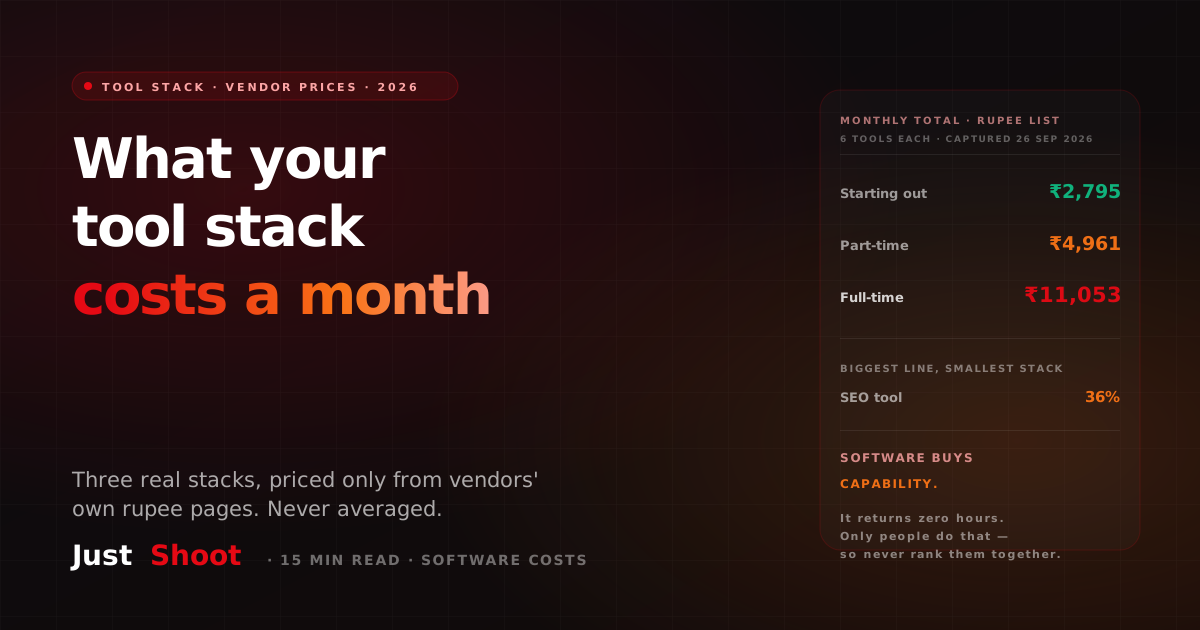
What an Indian YouTuber's Tool Stack Costs a Month (2026)
Three real creator tool stacks priced only from vendors' own India rupee pages on 26 September 2026 — ₹2,795, ₹4,961 and ₹11,053 a month, kept separate and never averaged.